 18246910
01
Sees the screen
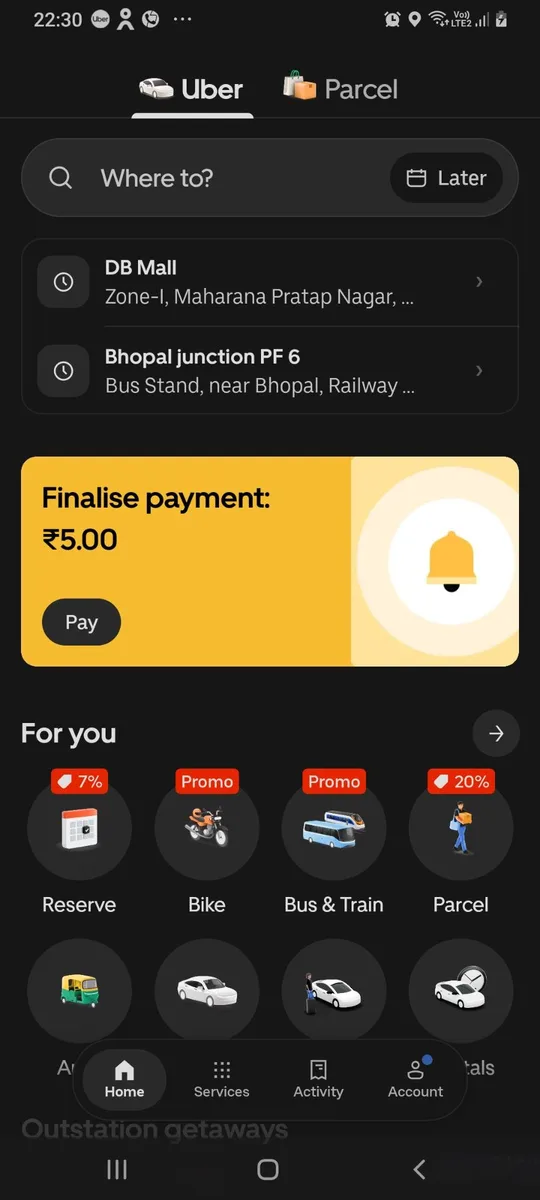
A numbered list of every button, field and line of text, plus screenshots with each element boxed. It knows what is hidden under sheets and dialogs.
phone_screenphone_elementsGive your AI agent a real phone. Claude Code, Cursor, Antigravity and any MCP client can see your Android screen, tap, type, open apps and move files.
npx android-agent-bridge startFile 001 · Why this exists
Your agent can write code, search the web and run your terminal. It has never held a phone. Agent Bridge hands it yours. It reads the screen, taps, types, opens apps, turns the volume down and sends you the file. No emulator. No cloud. No account. One npx command and a QR code.
Live session · recorded on a real phone
It launches any app by name, then reads the screen as a numbered list.
What it can do
18246910A numbered list of every button, field and line of text, plus screenshots with each element boxed. It knows what is hidden under sheets and dialogs.
phone_screenphone_elements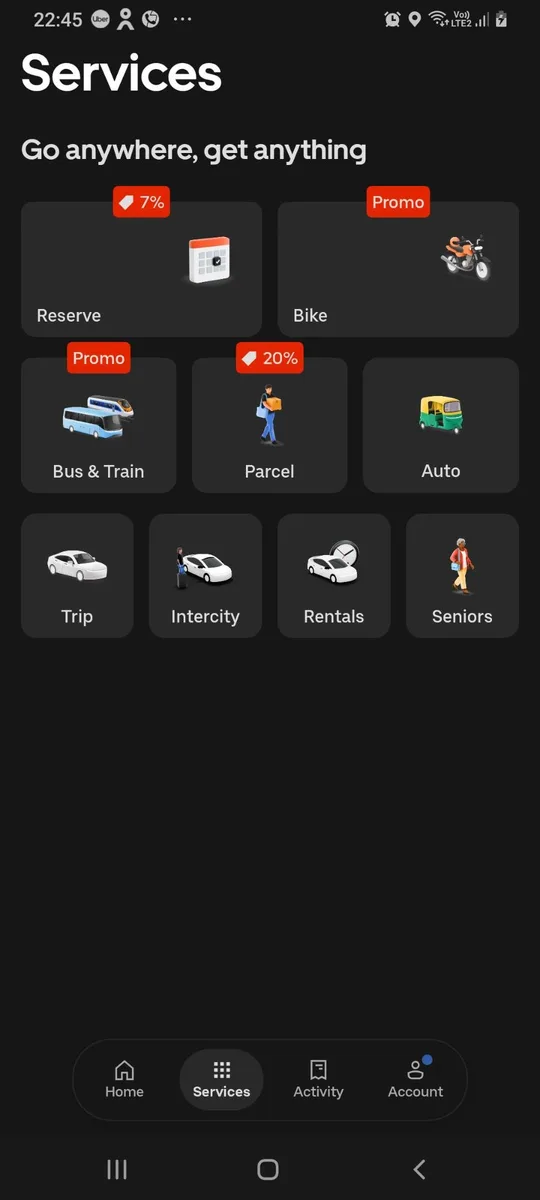 “Services” · ocr“Account” · ocr
Many apps hide tab bars and buttons from accessibility. On-device OCR reads the pixels, so “tap Account” still works. Nothing leaves the phone.
phone_ocrTap by number, text or position. Type straight into fields, scroll, swipe, long-press, Back and Home. Open any app by name or from the Play Store.
phone_tapphone_typephone_open_appVolume for every stream, brightness, flashlight, rotation, Do Not Disturb, any settings page, links, the dialer, battery and notifications.
phone_volumephone_togglephone_settings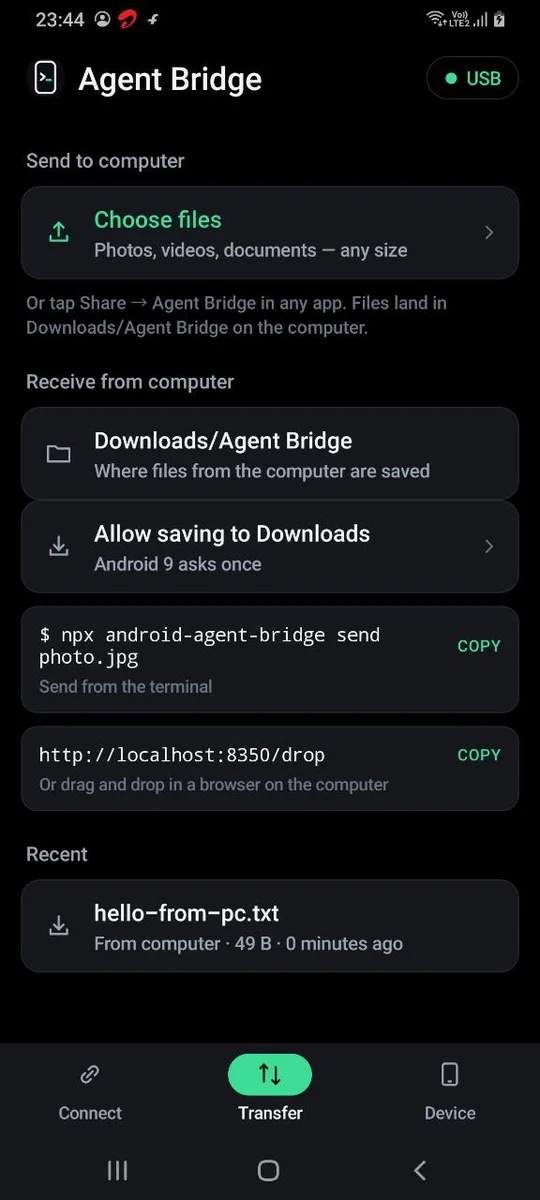
Send from the terminal or drag onto localhost:8350/drop. Share from any phone app to the computer. Wi-Fi, hotspot or USB, no size limit.
phone_send_filesphone_received_filesWorks back to Android 5.0 from 2015. Where old Android can't do something itself, the computer does it over USB.
Android 5 → 16Quick start
Turn on USB debugging and plug in. The CLI installs the app and switches it on. Or download the APK.
npx android-agent-bridge usbOpen Agent Bridge on the phone and scan the QR. It reconnects by itself after that.
npx android-agent-bridge startAdd the MCP server, restart the agent and ask it to use the phone.
npx android-agent-bridge initclaude mcp add phone -- npx -y android-agent-bridgeTry it
Paste any of these into your agent once the phone is connected. Click to copy.
The numbers · live from GitHub and npm
Compatibility
| Version | Read screen | Tap by element | Tap by position | Screenshots | Wi-Fi & USB |
|---|---|---|---|---|---|
| Android 11 – 16 | ✓ | ✓ | ✓ | ✓ | ✓ |
| Android 7 – 10 | ✓ | ✓ | ✓ | One-time prompt | ✓ |
| Android 5 – 6 | ✓ | ✓ | Over USB | One-time prompt | ✓ |
Tested on Samsung, Pixel, Xiaomi and OnePlus phones. Works on Windows, macOS and Linux with Node 20 or newer.
Security & privacy
Only a computer holding the secret from your QR code can connect. Make a new one any time with pair --reset.
The phone talks to your computer over Wi-Fi or USB. No cloud, no account, no analytics.
Text recognition runs on the phone. Screenshots go to your computer and nowhere else.
Turn off the accessibility service and access ends at once. Forget the computer from the app.
The bundled guide tells agents to ask before paying, posting, sending or deleting, and never to type passwords.
Every line of the app, bridge and MCP server is on GitHub. Read it, fork it, audit it.
FAQ
Still here? Good.
Download the app, run one command, scan the code.
npx android-agent-bridge start